
Download Windows 8 – The original tablet-friendly software is ready for download
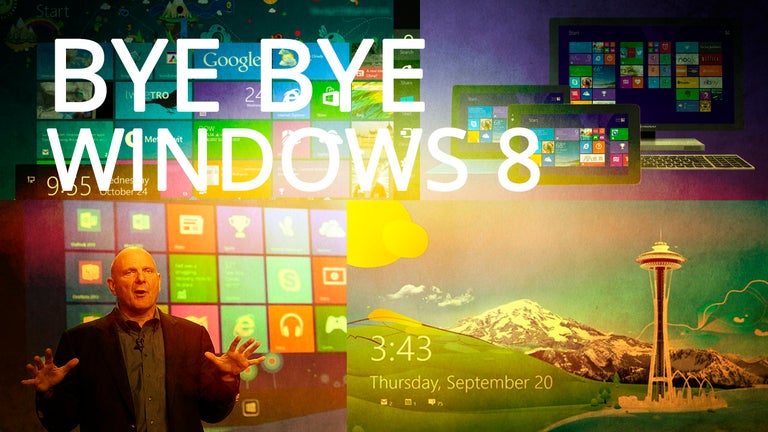
Originally released in 2012, Windows 8 is now available for free download. This operating system was developed and released to the public during a time when tablets were becoming the most popular item on the market. As a result, the entire system was created with tablets in mind – optimizing the design and operation for streamlined handoff between computers and tablets. For some users, this operating system ended up being the perfect balance of recognizable features and modern innovation. You may have decided that this is as far as you want to go with updating your computer or tablet. If that’s the case, you can easily download and install this software onto your device and get back to exactly what you loved from 2012.
Top Recommended Alternative
Features and integrations – What makes Windows 8 so perfect for touchscreens?
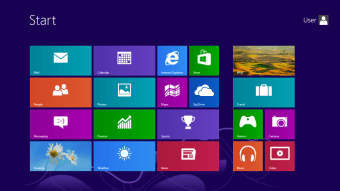
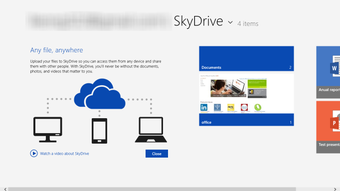
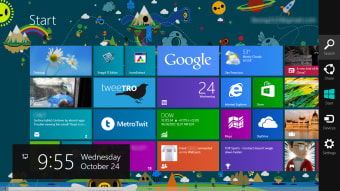
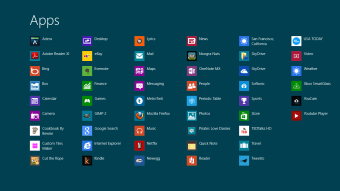
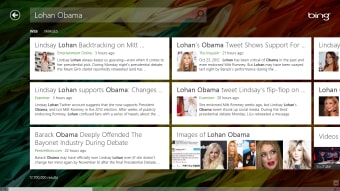
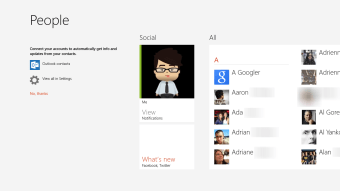
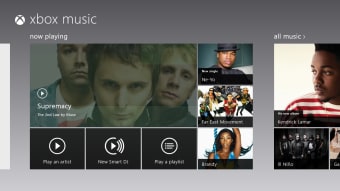
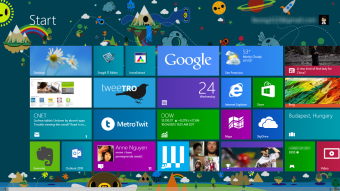
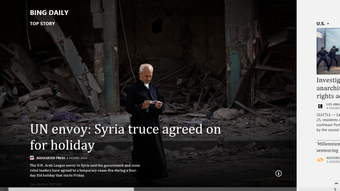
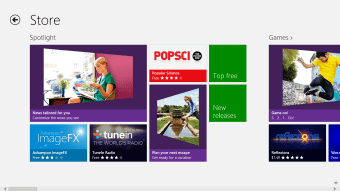
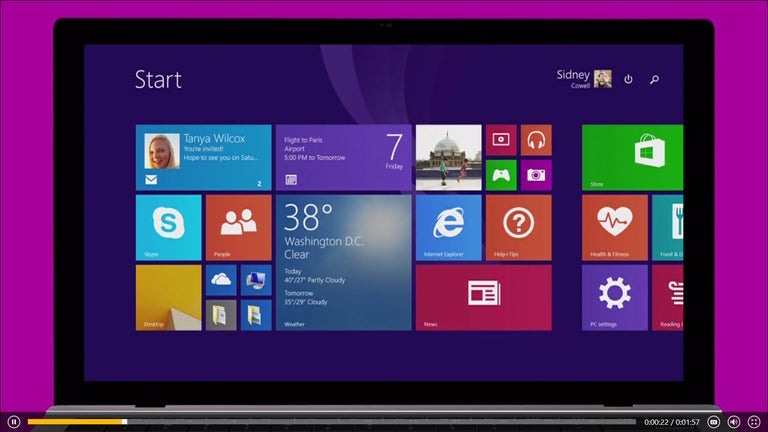
It’s undeniable that this system was designed primarily for touchscreen tablets. At this point, it seemed that tablets might just end up replacing laptops or desktop computers entirely. As a result, the main focus for Microsoft developers was to make this the most tablet-friendly software ever to be released. They started with a renovated interface for touchscreens, including apps specifically designed for touchscreen devices. These apps are available for download from the Microsoft Windows Store App and were designed to run on a tablet. The very existence of apps installed as default programs for Windows 8 is a reflection of how this software was created to benefit tablet devices. You will find that an email, calendar, and camera are all pre-installed as apps for the system, along with a photo album meant to hold photos from the camera roll. These are installed whether you’re downloading the software onto a computer or tablet, so it’s obviously meant to signal a revolution in terms of tablets becoming the norm.
Windows 8 is also noticeably faster than Windows 7, both on computers and tablets. The entire system runs quicker and will be able to fulfill commands at a higher speed. This can be particularly noticeable when you’re trying to operate a touchscreen since it will freeze up with older versions of Windows.
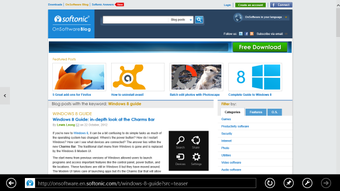
Another new addition to Windows 8 is the presence of Internet Explorer 10, which is not available on the more recent versions of Windows. For some users who are nostalgic for the old days of Internet Explorer, this might be a game-changer. It even comes optimized for touchscreen, so you get the best of both worlds – the recognizable interface of Internet Explorer, and the convenience of touchscreen-friendly software.
Like many other software options, there are different versions of Windows 8 available depending on what you are planning: Windows 8 Pro and Windows 8 Enterprise. For someone who is planning to use this for personal work, or maybe have a family computer available for the kids, Windows 8 Pro is the best choice. For someone who is planning to use this software on their work computer or a device that is dedicated entirely to a job, or even for a company choosing between software that it needs to have available on all office computers, Windows 8 Enterprise would be the best option.
Compatibility and system requirements – Can I run this on something other than a tablet?
Since this is a software version that was released in 2012, we recommend that you stick to using it only with devices that were from that era. In particular, Windows 8 seems to run best on tablets because the entire system was optimized for touchscreen operation. If you are upgrading your system, it’s best to make the jump from Windows 7 instead of something further back. You can choose to use this on a computer or a tablet and might even find that it helps you stay productive across multiple devices to have the same software available.
If you find that there are bugs keeping you from being completely productive, you can choose to get a free update of Windows 8.1, which has updates and fixes for bugs that were discovered after the initial release of Windows 8.
Is Windows 8 available within Microsoft 365?
Since Windows 8 is an operating system, you can choose to run your computer, tablet, or other type of device, you cannot access it through Microsoft 365. This is simply because it is free and is not an app or program you would need to subscribe to through Microsoft 365 to access. For those who are interested in subscribing to Microsoft 365, we recommend upgrading your operating system to the most recent version, preferably Windows 11 or later, since it will help optimize the apps and programs that you will be running through Microsoft 365.